> ## Documentation Index
> Fetch the complete documentation index at: https://docs.coderide.dev/llms.txt
> Use this file to discover all available pages before exploring further.
# Zig
> LSP and debugger setup for Zig in Coder.
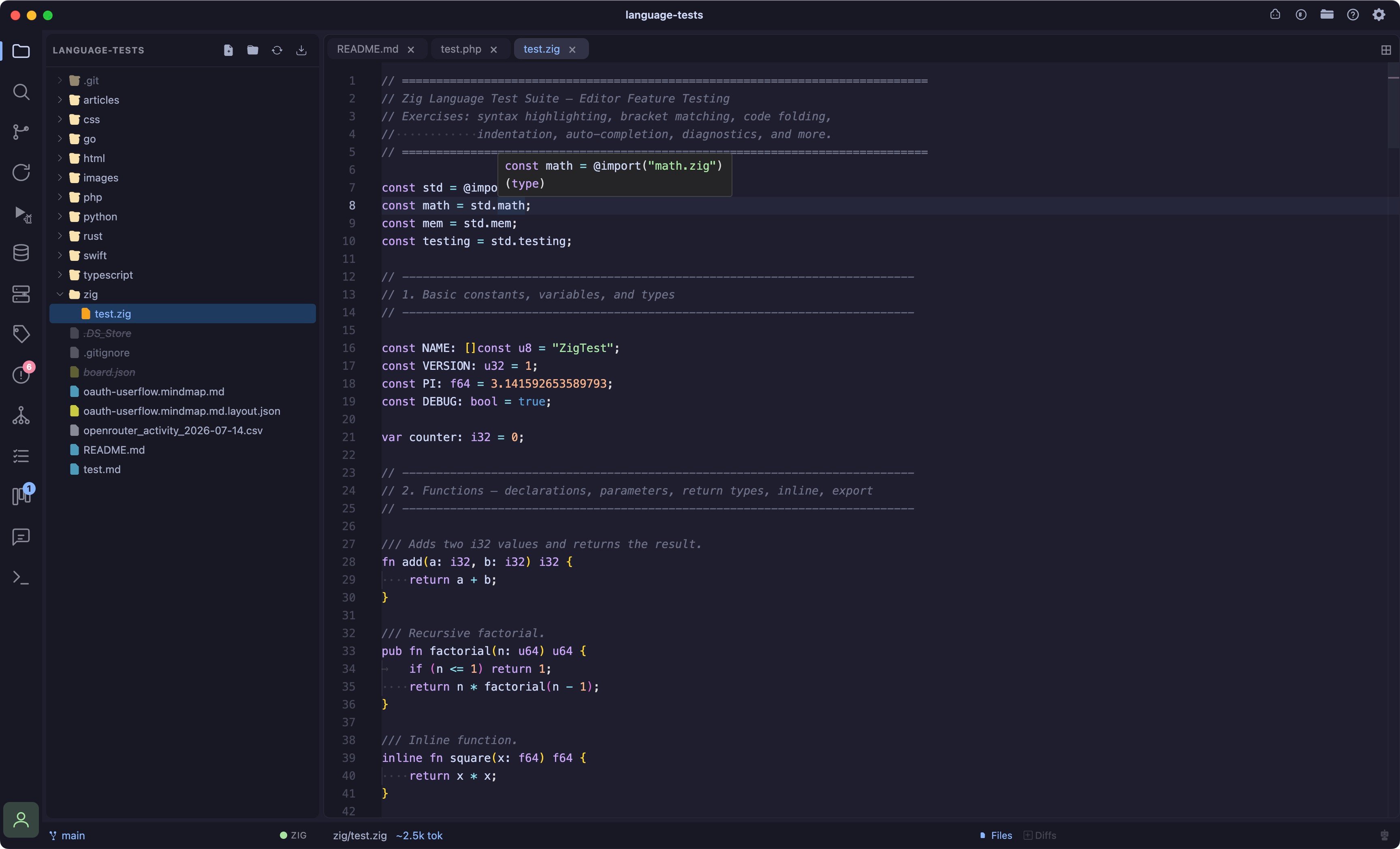 ## Language server
| Server | Install |
| - | - |
| [zls](https://github.com/zigtools/zls) | `brew install zls` |
## Debugger
| Adapter | Install | Notes |
| - | - | - |
| [lldb-dap](https://lldb.llvm.org/) | Ships with Xcode Command Line Tools, or `brew install llvm` | Zig binaries are natively LLDB-debuggable, so this reuses the exact same adapter as Rust. Requires a binary already built with `zig build` (default output: `zig-out/bin/`), Coder does not build it for you. |
`brew install llvm`'s `lldb-dap` isn't linked onto `PATH` by default on macOS, you may need to add `$(brew --prefix llvm)/bin` to your `PATH`, or symlink it into `/opt/homebrew/bin`.
See [Debugger](/debugger) for the debugger UI itself.
## Tested on
macOS (Apple Silicon). Windows and Linux paths aren't documented yet.
This documentation is built and hosted on [Mintlify](https://mintlify.com), a developer documentation platform.
## Language server
| Server | Install |
| - | - |
| [zls](https://github.com/zigtools/zls) | `brew install zls` |
## Debugger
| Adapter | Install | Notes |
| - | - | - |
| [lldb-dap](https://lldb.llvm.org/) | Ships with Xcode Command Line Tools, or `brew install llvm` | Zig binaries are natively LLDB-debuggable, so this reuses the exact same adapter as Rust. Requires a binary already built with `zig build` (default output: `zig-out/bin/`), Coder does not build it for you. |
`brew install llvm`'s `lldb-dap` isn't linked onto `PATH` by default on macOS, you may need to add `$(brew --prefix llvm)/bin` to your `PATH`, or symlink it into `/opt/homebrew/bin`.
See [Debugger](/debugger) for the debugger UI itself.
## Tested on
macOS (Apple Silicon). Windows and Linux paths aren't documented yet.
This documentation is built and hosted on [Mintlify](https://mintlify.com), a developer documentation platform.