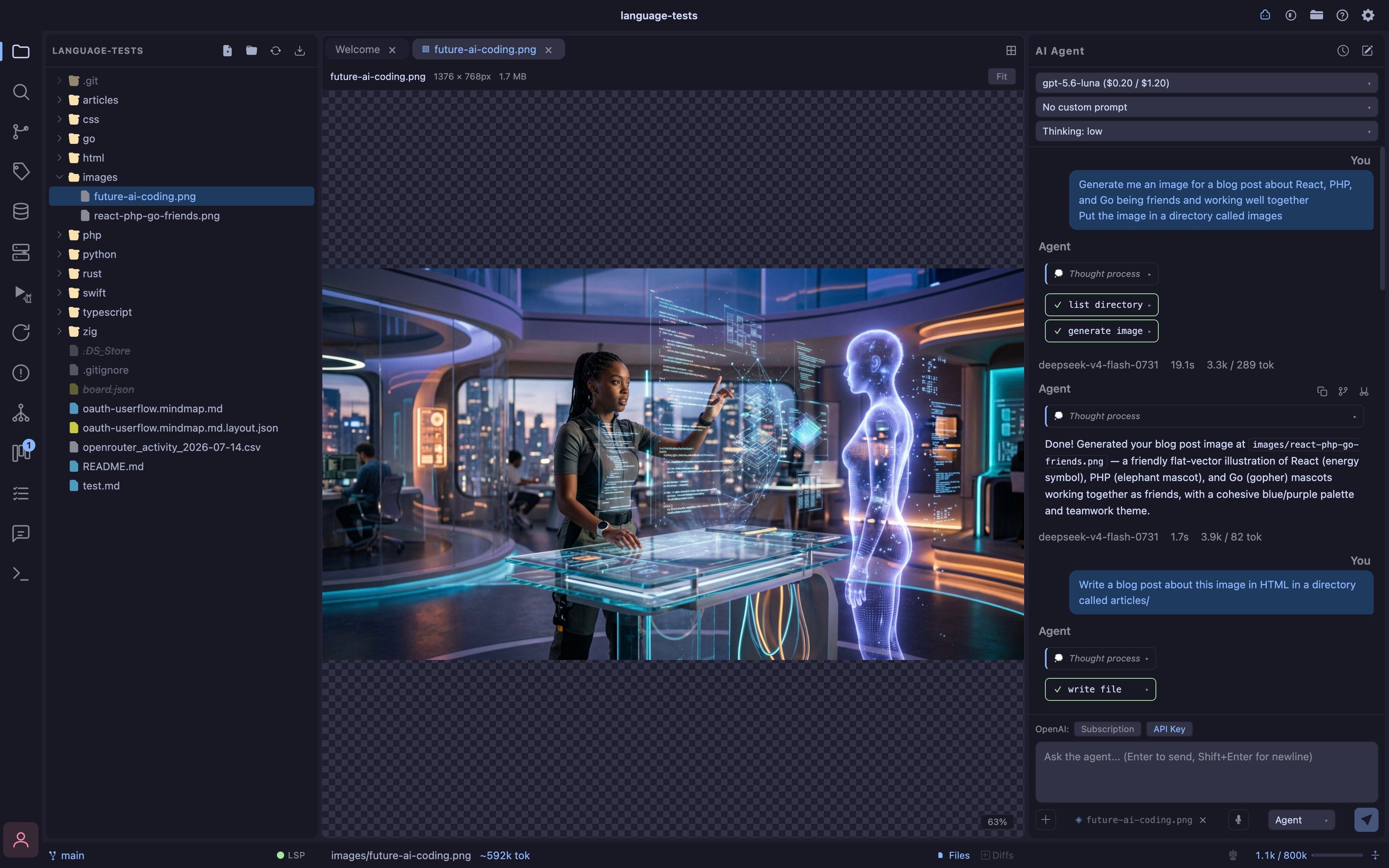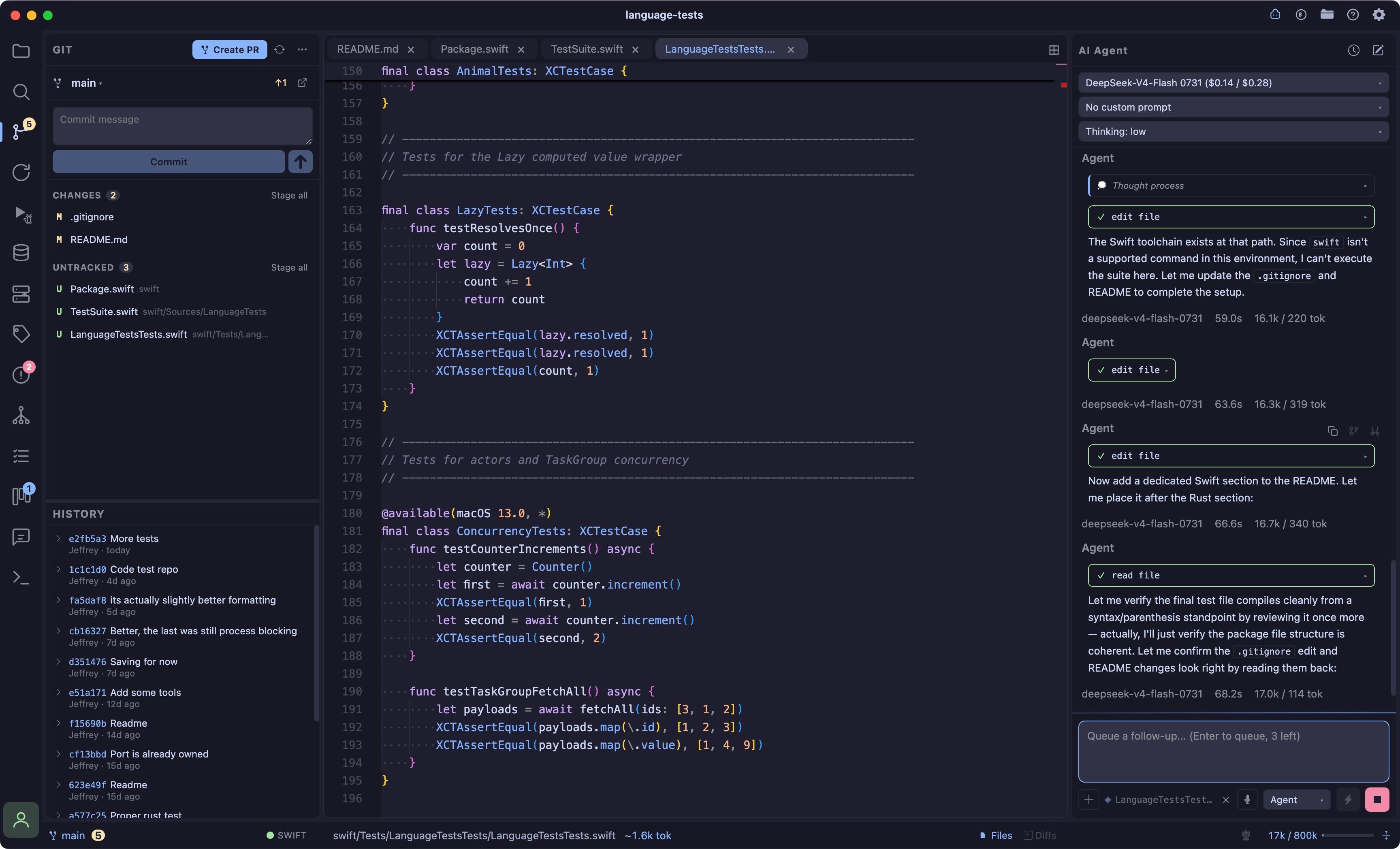
- Streaming chat real-time streaming responses powered by AI SDK v6
- Multiple providers Fireworks AI, xAI (Grok), and Anthropic with fully editable model lists per-provider
- Extended thinking collapsible reasoning blocks shown inline when the model supports it; thinking level configurable (off → xhigh)
- Tool use AI can read files, write files, create files, list directories, search code, and create git worktrees directly in your project — see Workspaces & Worktrees
- Message queue send up to 3 follow-up messages while the AI is still working; they execute in order when the current response finishes
- Editor selection context Cmd+C in the editor snapshots the selected lines, file path, and line numbers as context attached to your next chat message
- Voice dictation mic button in the chat input records your voice and transcribes it to text via OpenAI, Fireworks, or OpenRouter’s Whisper models; off by default (enable in Settings → Speech Input, needs an API key for the chosen provider)
- Jarvis Mode (read-aloud) the agent can read its own replies back to you, or speak a short summary on its own when Jarvis Mode is on; see Jarvis Mode
- Math formulas in chat write
$...$/$$...$$LaTeX and it renders as typeset math via KaTeX (see Math Formulas) - Code completion inline ghost-text completion with a separate model (Fireworks AI); press Tab to accept
- Auto-open toggles status-bar toggles to auto-open files or diffs when the AI writes them; the two modes are mutually exclusive to avoid tab overload on scaffold projects
- Live editor streaming file writes stream into open editor tabs in real time as the AI types, with a green scanner overlay effect
- Auto-follow scroll editor scrolls to follow AI output as it streams in
- Active file context the file open in the editor is automatically included as context in every chat message
- Context window meter live token usage bar in the status bar; color shifts yellow → red as you approach the limit; updates every round including intermediate tool-call rounds
- Context compression compress button strips tool call payloads (file contents, code blobs) from older turns to cut token burn without losing conversation context
- Auto-compress automatically compresses when context exceeds 80% of the model’s safe window
- Chat history per-project conversation sessions with a searchable history modal; sessions persist across restarts
- Prompt system three-tier prompt management: base system prompt, editable harness (
~/.coder/harness.md), and custom prompts (~/.coder/prompts/) selectable per-session; prompts reload live without restart - Project memory AI can read and write Markdown files in
.coder/memory/(sandboxed, no path traversal); memory persists across sessions and models so context accumulates over time - External tool sync new files created by external AI tools (Claude Code, aider, etc.) auto-open in the editor when you’re not in a terminal tab
- Skills progressive-disclosure instructions the agent loads on demand, see Skills
Prompt System
Prompts are stored in~/.coder/:
Shotcut Key Commands
More Options
Note: you can also use:
- OpenAI subscription
- Codex via terminal
- Claude Code via terminal
- Any other CLI harness
Example of Claude Code / Codex & Coder AI Chat
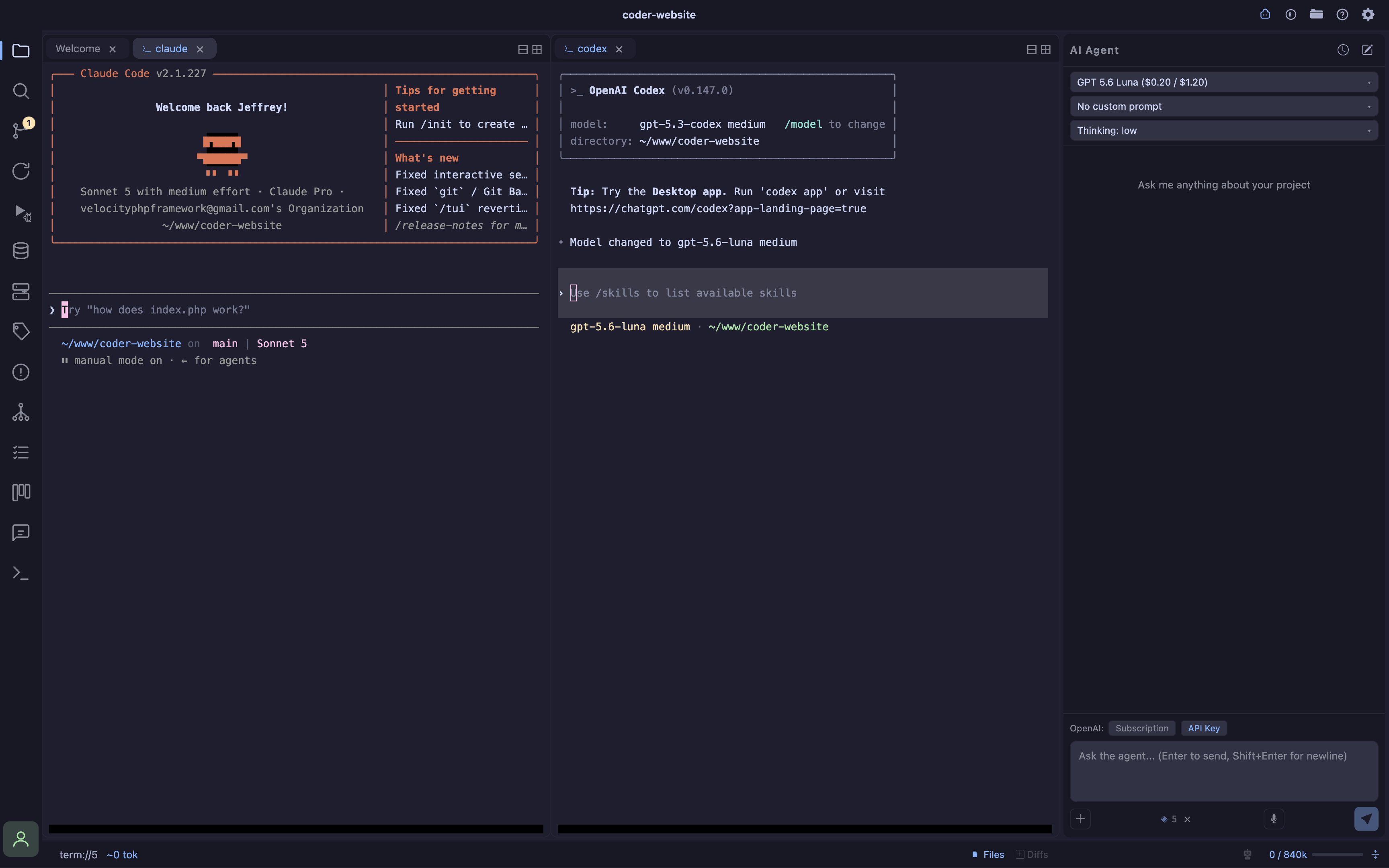
Image generation
Ask the agent to generate an image for you.