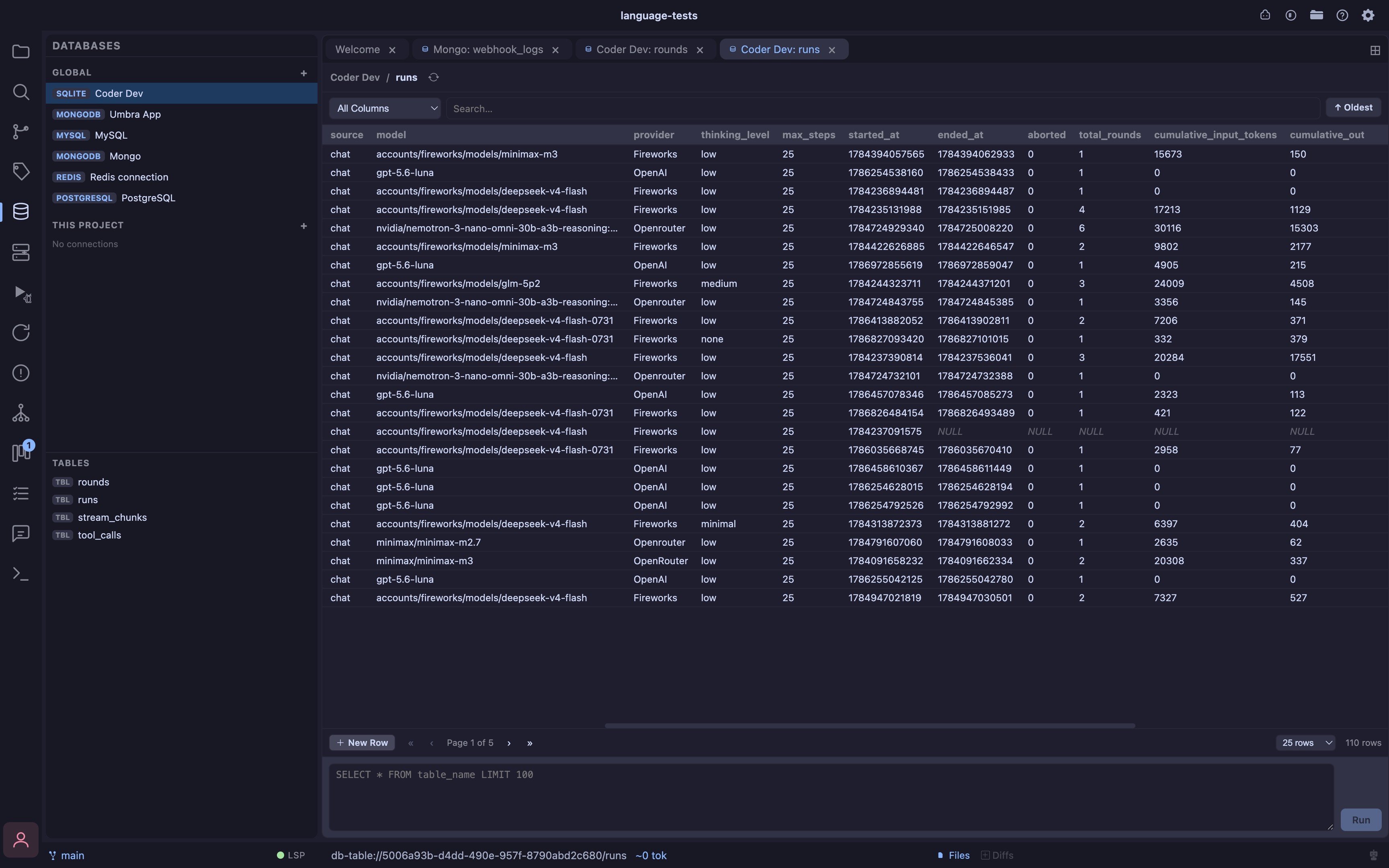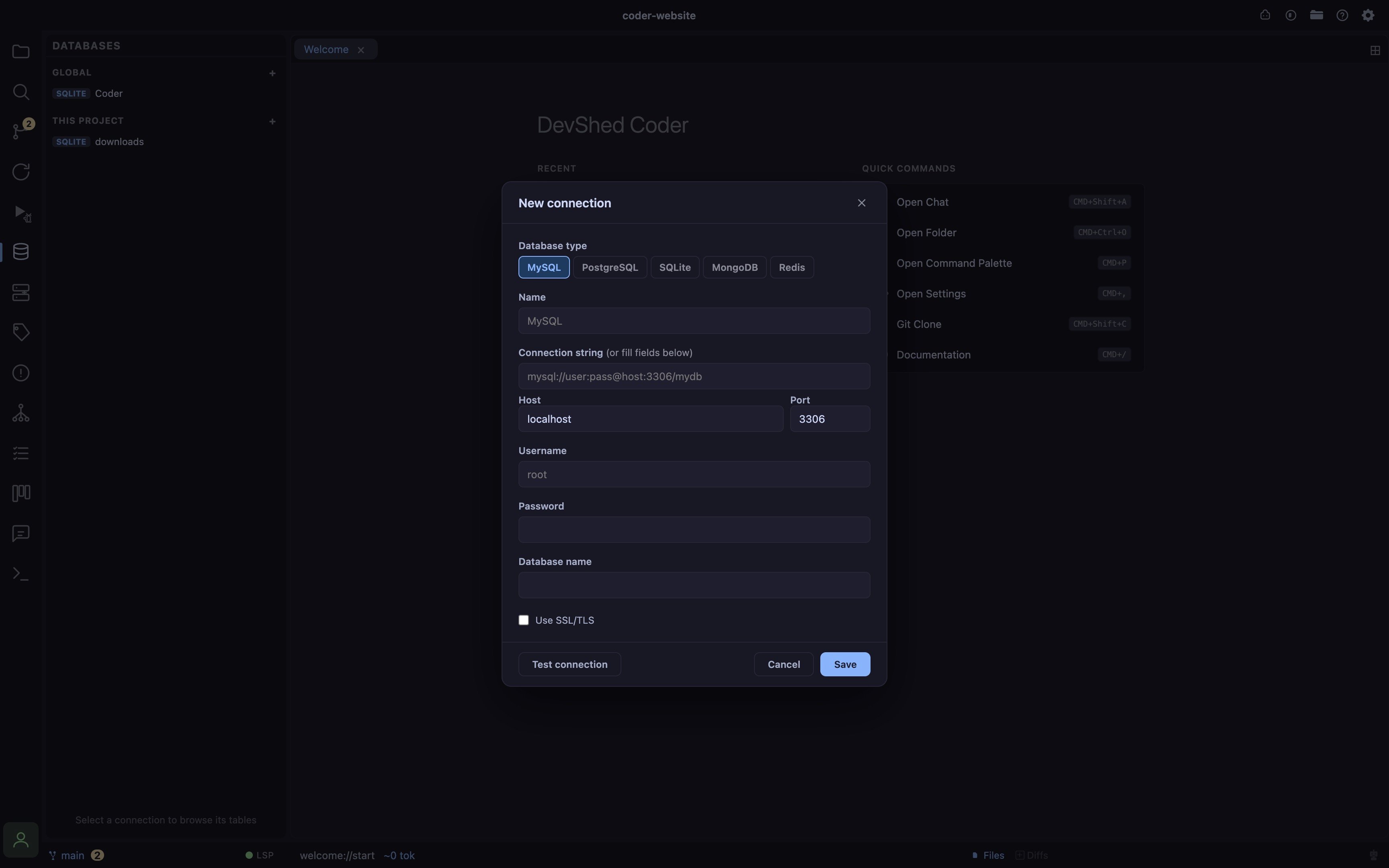
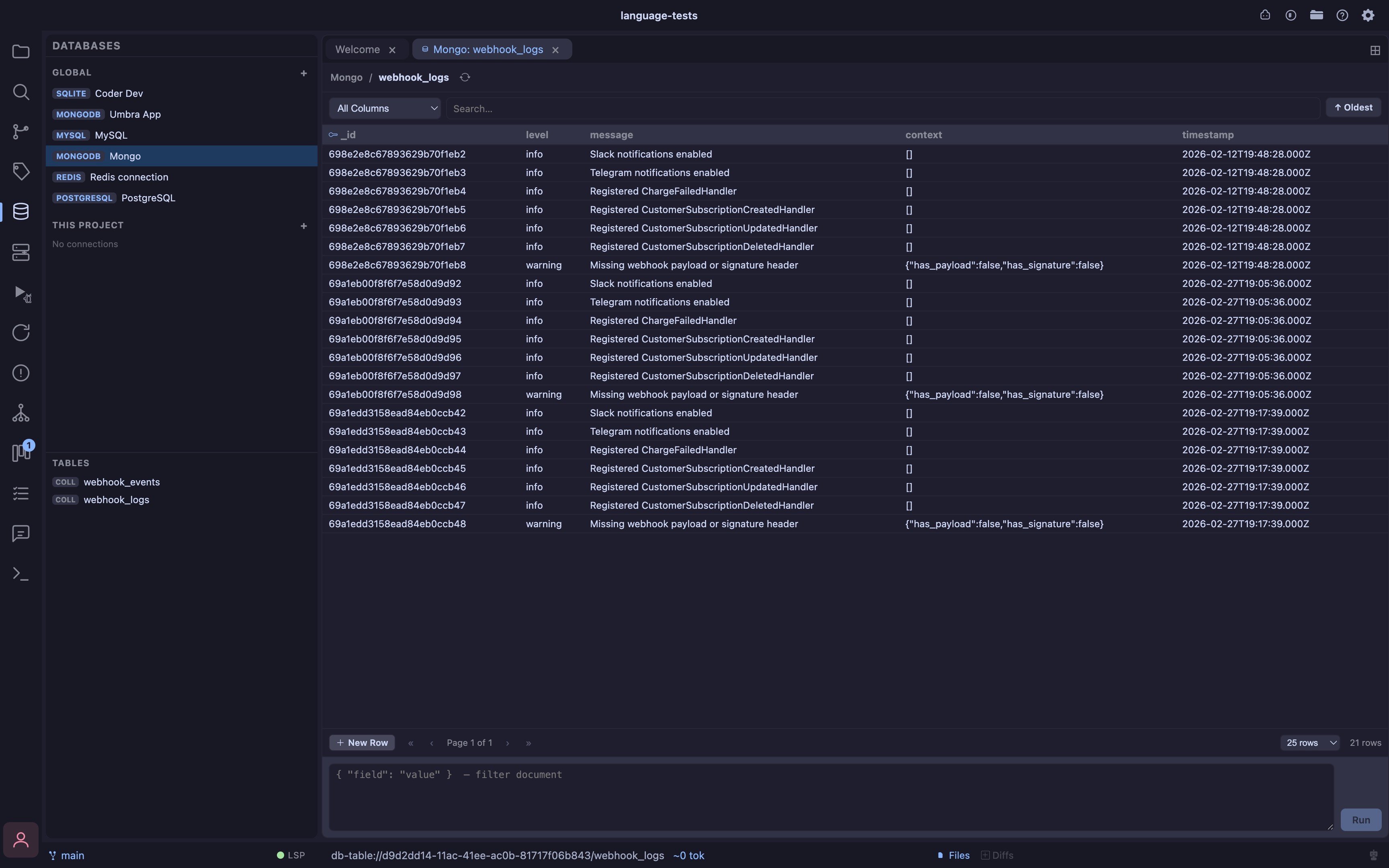
- Five engines SQLite, MySQL, PostgreSQL, MongoDB, and Redis, each behind the same connection tree, table/collection browser, and query console
- Global or per-project connections save a connection to
~/.coder/connections/databases.json(available everywhere) or to the open project’sconnections/databases.json(scoped to that project); the sidebar tree groups both together - Connection form a connection string/URI field (paste one and it wins outright) alongside discrete Host/Port/Username/Password/Database fields for engines that support both; Test Connection turns the Database field into a picker of real databases found on the server once it succeeds; SQLite connects to a local file via a native file-picker instead
- Table viewer opens as a tab clicking a table/collection opens a full-width editor tab (not a cramped sidebar panel), so wide result sets have real room; multiple tables can be open side by side
- Search, sort, paginate a column-scoped (or all-columns) substring search box, an ascending/descending order toggle keyed to the table’s primary key (or SQLite’s implicit
rowid), and page-size-aware pagination, all resolved server-side so they stay correct together - Query console a query box pinned under the table view runs raw SQL (SQLite/MySQL/Postgres), a JSON filter document (MongoDB), or a raw command line (Redis, e.g.
HGETALL user:1) against the active connection; ⌘/Ctrl+Enter runs it - Inline editing click a non-key cell to edit it in place; Enter or clicking away commits the change, Escape cancels; primary-key columns are marked with a key icon and are never themselves editable (only used to target the row)
- Insert & delete rows ”+ New Row” adds a blank editable row (auto-generated columns like an ID are never part of the form); every row gets a delete button with a confirm prompt before it runs
- Write safety a table/collection with no discoverable primary key (composite keys included) is left read-only for edits/inserts/deletes rather than guessing a match across visible columns; every write is re-verified against the row’s real identity, never reconstructed from what’s shown on screen
- Redis is key-value, not tabular the browser is a cursor-based
SCAN(never the blockingKEYS) with a key pattern filter, showing each key’s type, TTL, and a truncated value preview; delete works on any key type, inline editing is available for string-type keys only (hash/list/set/zset need the query console’s raw commands for now)
Examples
MongoDB
SQLite