- Plain-text format a
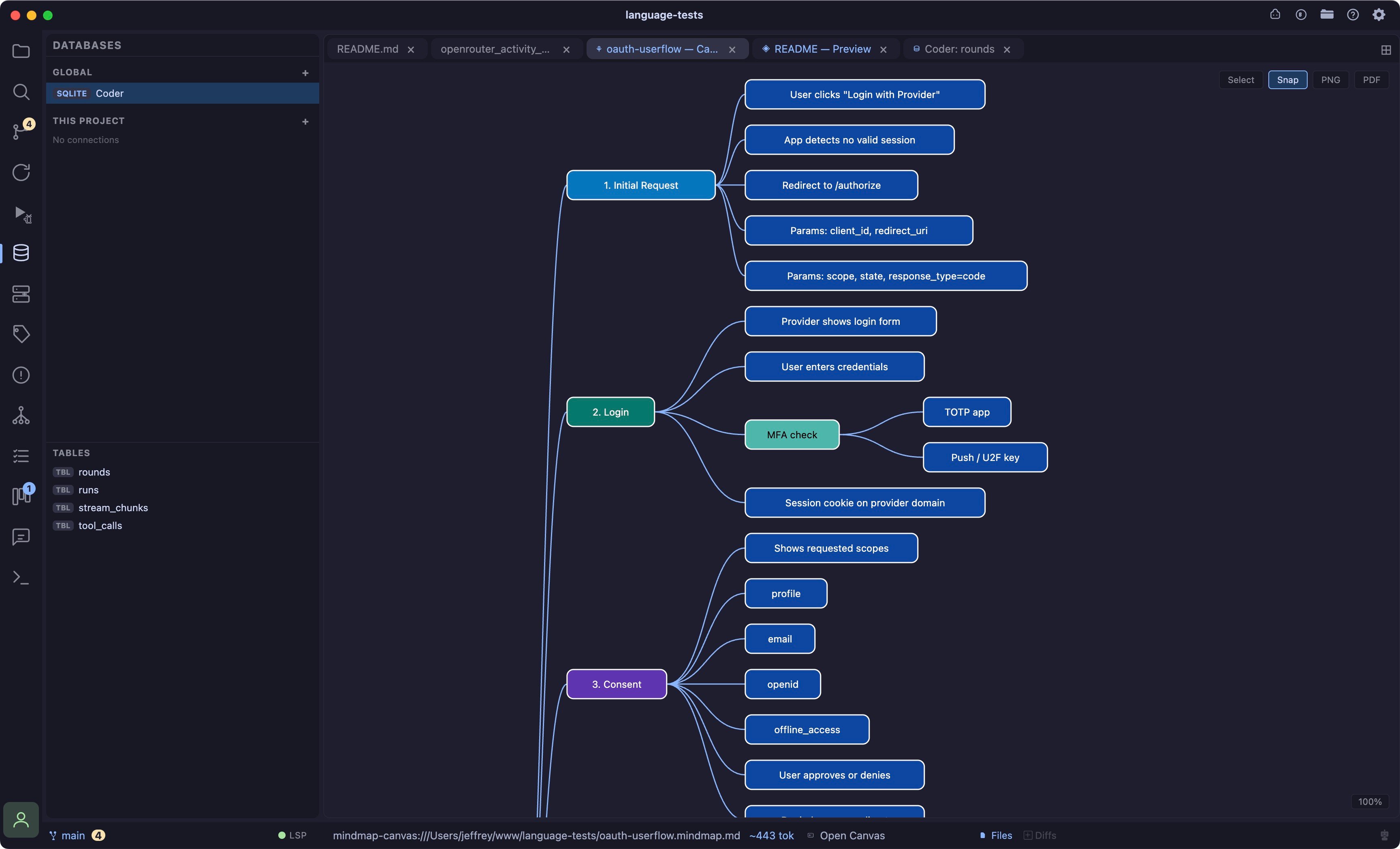
.mindmap.mdfile is a lightweight, strict subset of Mermaid’smindmapsyntax:mindmapon the first line, aroot((Label))on the second, then an indented tree, one node per line, indentation depth defines parent/child structure - Two views, one file open as plain text in a Code tab like any markdown file, or Cmd+Shift+X for an interactive Canvas tab that live-updates as the source text changes
- Node shapes wrap a label in
(Label)for rounded,[Label]for square,((Label))for circle, or leave it bare for a default box; purely visual, doesn’t affect tree structure - Node colors trailing
{fill}and{fill} {border}markers accept hex or any CSS color name; the root’s markers set the whole mindmap’s default fill/border, which every other node inherits unless it sets its own; text color auto-picks black/white for legibility against the fill - Math in labels a label containing
$...$/$$...$$renders as typeset LaTeX math via KaTeX (see Math Formulas) instead of literal text; node sizing accounts for the rendered formula so math-heavy nodes don’t clip - Interactive canvas pan by dragging the background, zoom with Cmd/Ctrl+scroll (zooms toward the cursor); drag any node to reposition it, with snap-to-grid toggleable in the toolbar
- Multi-select marquee-select (toolbar toggle or hold Shift) to select several nodes and drag them together, preserving their relative layout
- Persistent layout dragged positions save to a
.mindmap.md.layout.jsonsidecar next to the source file, so manual rearrangement survives reopening the canvas - Export toolbar buttons export the current canvas view as PNG or PDF
- Parse errors are line-numbered malformed syntax shows exactly which line and why, right in the canvas view, instead of failing silently
Mindmap Example
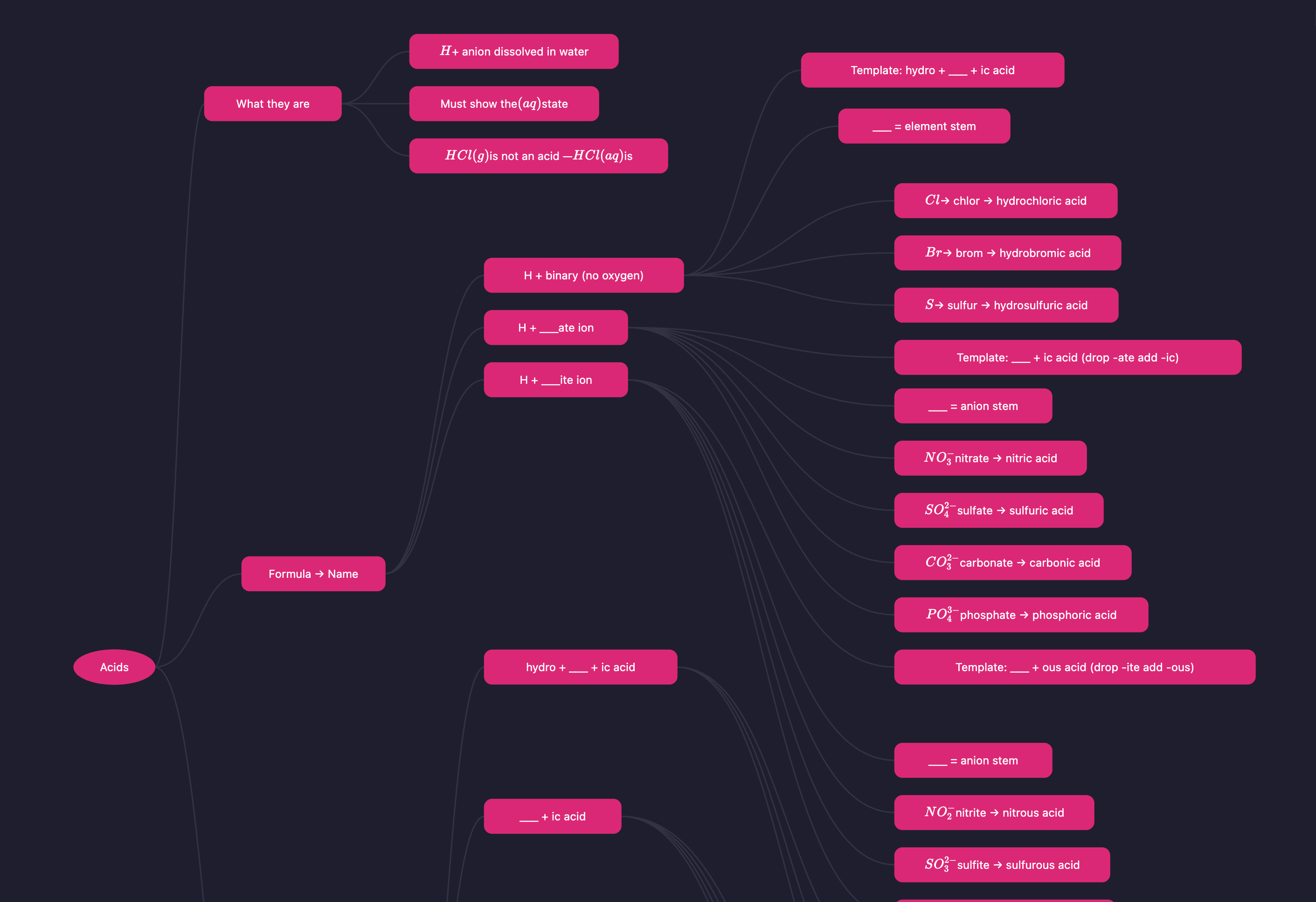
The following shows a Mindmap with Chemistry formulas