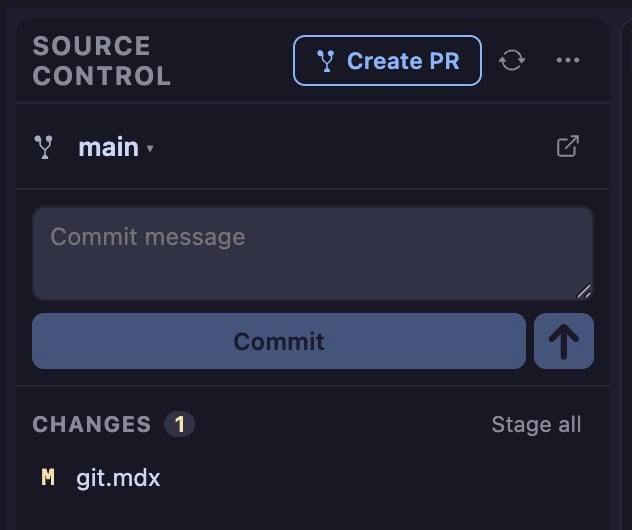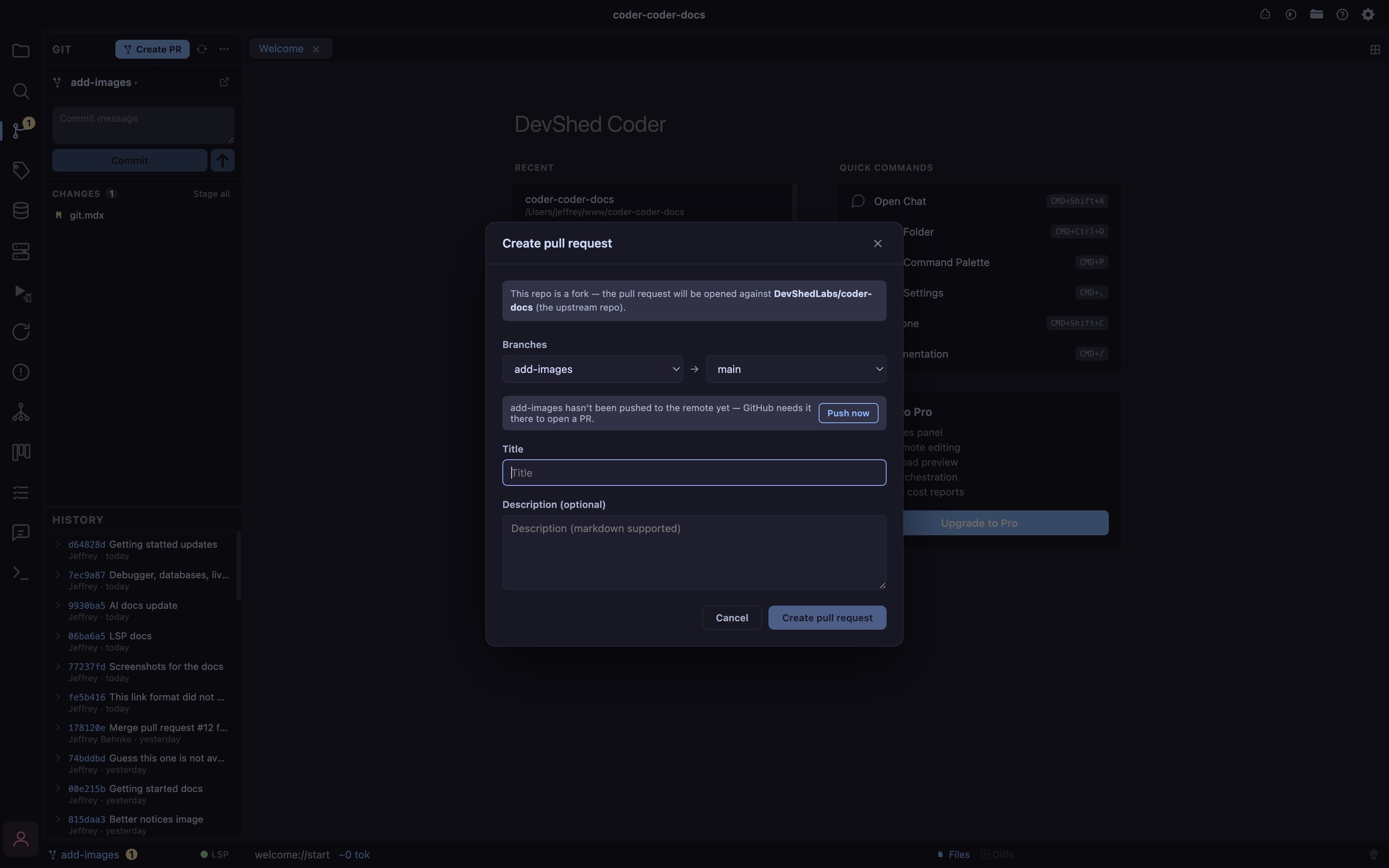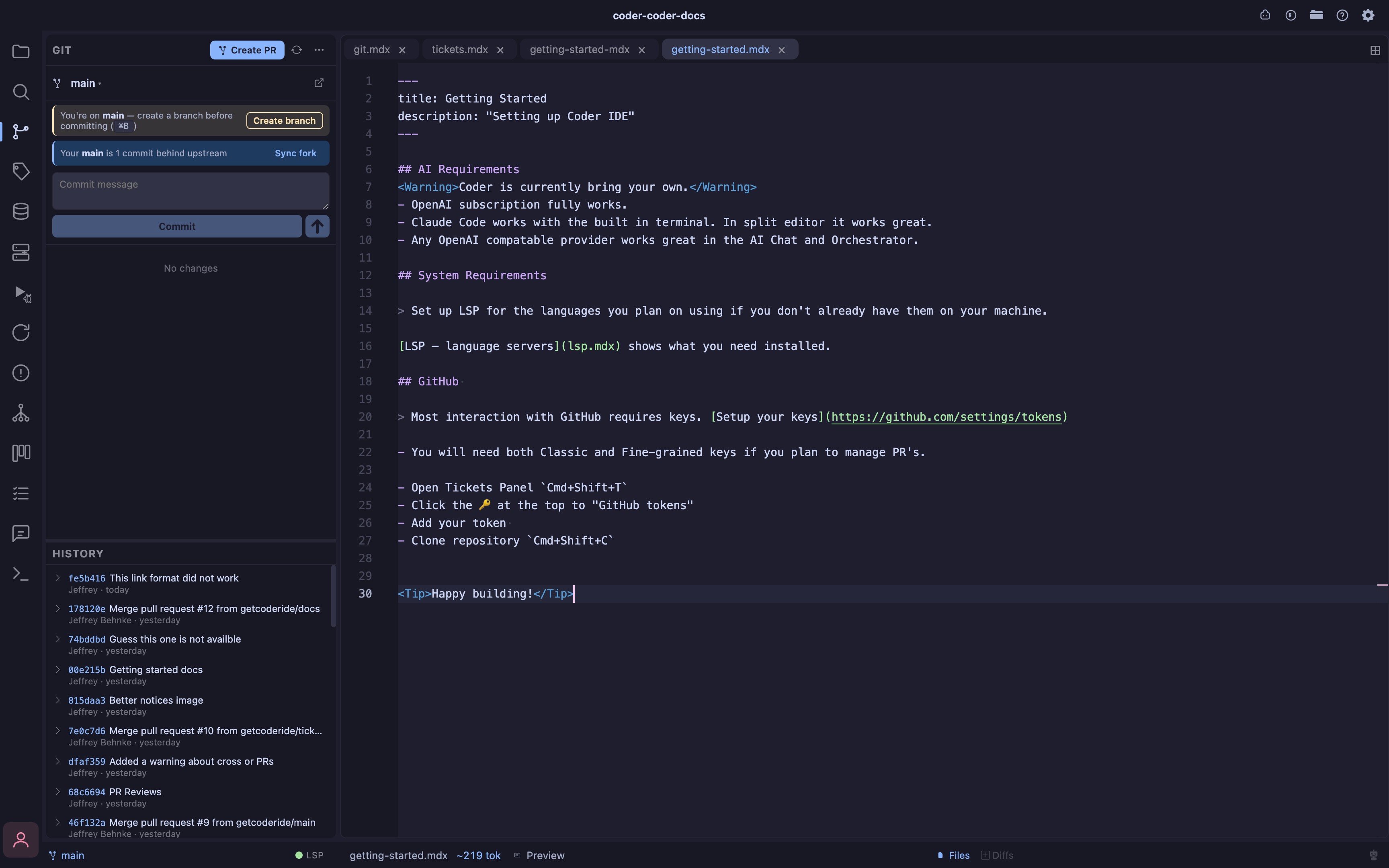
You will see 2 important notices in the above image.
- The create branch notice.
- Sync notice, letting you know there are upstream changes.
Workflows
Cmd+BCreate branch ( name + “from” branch dropdown, defaults to current ), creates + checks out in one stepCmd+KStage all & commitCmd+UPush ( now also auto-sets upstream for a brand-new branch )Cmd+;Create PR- Delete branches (if you need)
Details
- Status panel staged, unstaged, and untracked files grouped and live-updated via FS watcher
- Stage / unstage per-file or all at once
- Commit message box with Cmd/Ctrl+Enter to commit; errors surfaced inline
- Push / Pull / Fetch remote sync with in-flight indicator and inline error banner
- Discard changes per-file or discard-all with two-click confirm
- Branch switcher click the branch name to open a dropdown of local and remote branches; pick one to check out, with local branches checkmarked and grouped ahead of remote ones
- Create branch ”+ New branch…” in the switcher creates and checks out in one step
- Delete branch trash icon per local branch (hidden on the current branch, no deleting the branch you’re on) with a two-click confirm
- Open on web button next to the branch name opens the repo’s page (GitHub, GitLab, or any host) in your default browser, resolved from your actual git remote, no more finding it manually
- Branch + ahead/behind always visible in the panel header and status bar
- Dirty count badge uncommitted file count shown right on the Git activity-bar icon, so you don’t need the panel open to see there’s something to commit
- Uses your system git, inherits your existing config, SSH keys, and credential helpers
- Create new PR’s right from the interface
- Worktrees create and manage git worktrees right from the Git panel — see Workspaces & Worktrees