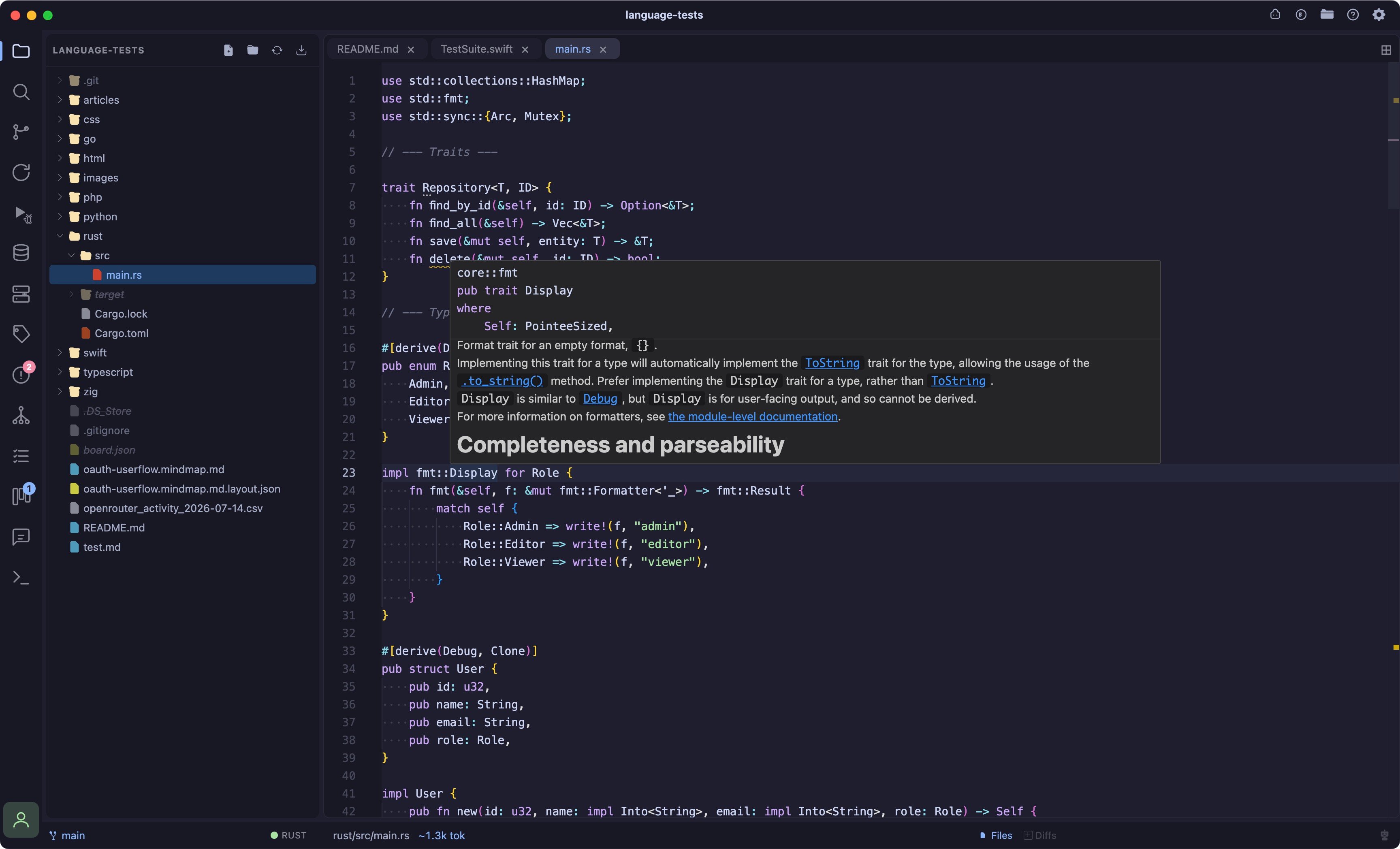
Language server
Coder checks
~/.cargo/bin (rustup’s default) beyond a plain PATH lookup, since a packaged GUI app on macOS is often launched with a minimal PATH that doesn’t match your shell’s, see Language Intelligence → Where Coder looks.
rust-analyzer gotcha: ~/.cargo/bin/rust-analyzer is actually a symlink to the rustup proxy, not the real binary. If rustup component add rust-analyzer was never run (or was run against a different toolchain than your active one), Coder still finds something at that path, spawns it, and you’ll see error: Unknown binary 'rust-analyzer' in official toolchain '...' in the LSP log instead of a “not found” message. Run rustup which rust-analyzer to confirm it resolves to a real path under ~/.rustup/toolchains/.../bin/, not just that the symlink exists.
Debugger
brew install llvm’s lldb-dap isn’t linked onto PATH by default on macOS, you may need to add $(brew --prefix llvm)/bin to your PATH, or symlink it into /opt/homebrew/bin.
See Debugger for the debugger UI itself.