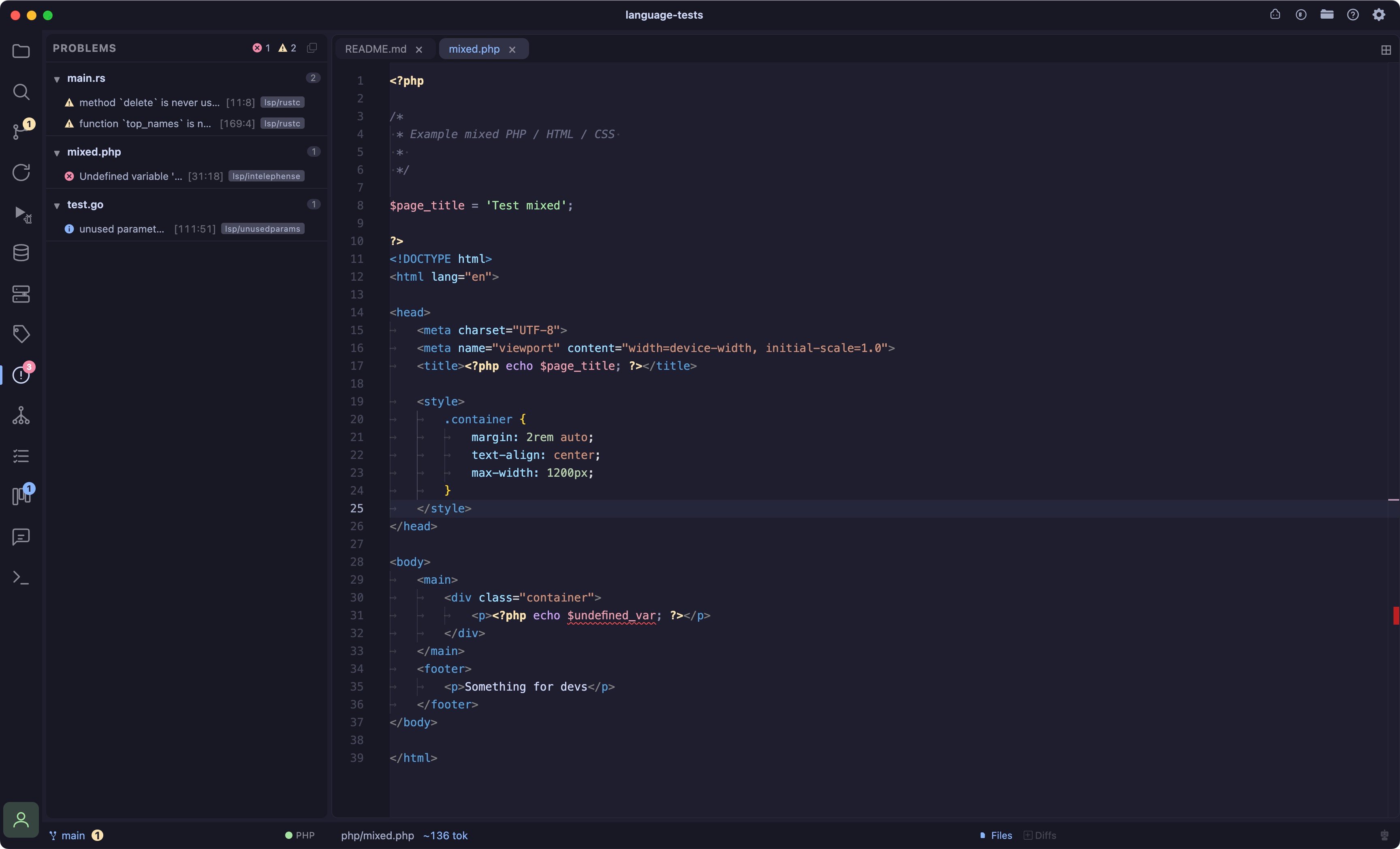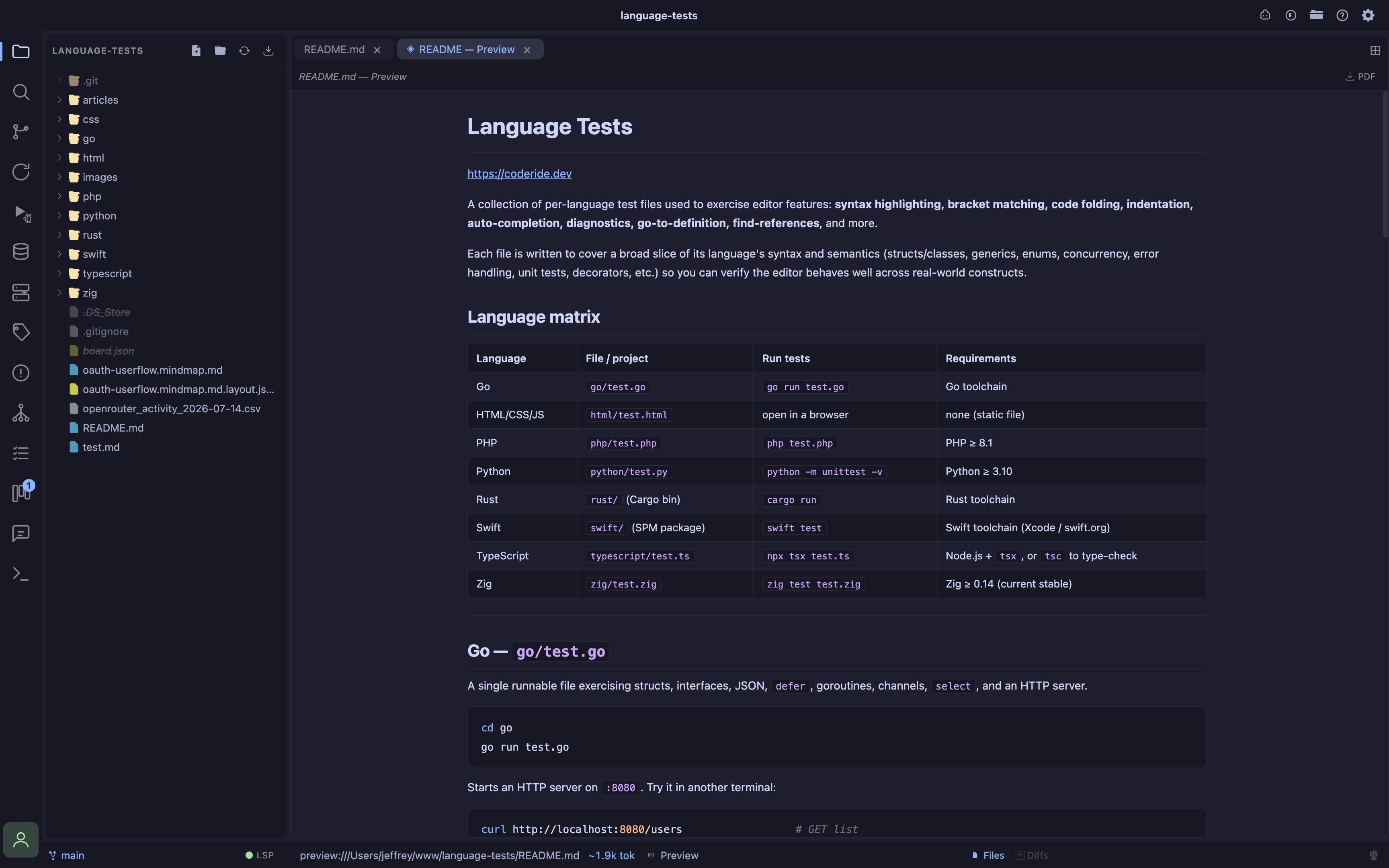
- Go sidecar a lightweight Go binary manages language servers in a separate process, keeping the editor responsive (the broker idles at ~7MB)
- Go-to-definition Cmd/Ctrl+click or F12 jumps to a symbol’s definition; cross-file targets open as a new editor tab at the right line
- CSS class linking in HTML and PHP templates,
class="…"/id="…"autocomplete and jump-to-definition resolve against linked stylesheets and inline<style>blocks - Problems panel a dedicated sidebar lists all diagnostics grouped by file with an error-count badge on the activity bar; click any problem to jump to it; copy individual errors or all errors at once to paste directly into the AI chat
- Indexing indicator the status-bar LSP chip shows “Indexing…” while a language server builds its workspace index, “Starting…” while a language’s own client handshake is still in flight (some servers, Ruby’s ruby-lsp especially, can take much longer than the sidecar itself to come up on a cold cache), then turns green when ready
- Toggle click the LSP chip in the status bar to turn language servers on/off; the sidecar process only runs when enabled
lsp-sidecar/) that runs as a separate process from the editor. The sidecar manages each language server’s lifecycle, bridges LSP JSON-RPC over a local WebSocket to Monaco, and keeps the heavy language-tooling work off the editor’s process budget.
None of these servers or adapters ship with Coder (TypeScript is the one exception, see its own page). Each is a small, independent, well-known tool you install once on your machine; Coder finds it automatically on your PATH (or a handful of common non-PATH install locations, like ~/.cargo/bin or ~/go/bin) the next time you open a matching file.
If a language server or debug adapter isn’t found, that language still gets full syntax highlighting, it just runs without diagnostics/completions (or without a debugger) until the tool is installed.
Languages
Install instructions, debugger setup, and per-language gotchas live on their own pages:Where Coder looks
Beyond a plainPATH lookup, Coder also checks a handful of common non-PATH install locations (documented per-language on each language’s own page, e.g. ~/.cargo/bin for Rust, ~/go/bin for Go), since a packaged GUI app on macOS is often launched with a minimal PATH that doesn’t match your shell’s.
Coder also tries to resolve your real login-shell PATH directly (via $SHELL -lic) before falling back to those extra locations, so most shell-managed installs (nvm, volta, rbenv, asdf, etc.) are found without needing any of this.
DAP, debuggers
See Debugger for the debugger UI itself, and each language’s own page for its adapter’s install steps and gotchas. In general:- Every adapter is one Coder finds on your machine, same “nothing bundled” policy as LSP servers.
- Most compiled languages (Rust, Zig, Swift, C/C++) share the same lldb-dap adapter and expect a binary you’ve already built, Coder doesn’t invoke
cargo build/zig build/swift build/your C compiler for you, except Go’s Delve, which compiles as part oflaunch. brew install llvm’slldb-dapisn’t linked ontoPATHby default on macOS, you may need to add$(brew --prefix llvm)/binto yourPATH, or symlink it into/opt/homebrew/bin.
Performance
The variable cost is the language servers, which run as their own processes. intelephense (PHP) in particular holds the full workspace symbol index in memory and can range from ~300MB to ~1GB depending on project size, see PHP for how to bound it. Any server can be shut down entirely by disabling the LSP via the status-bar chip when you don’t need language features.LSP Examples
PHP
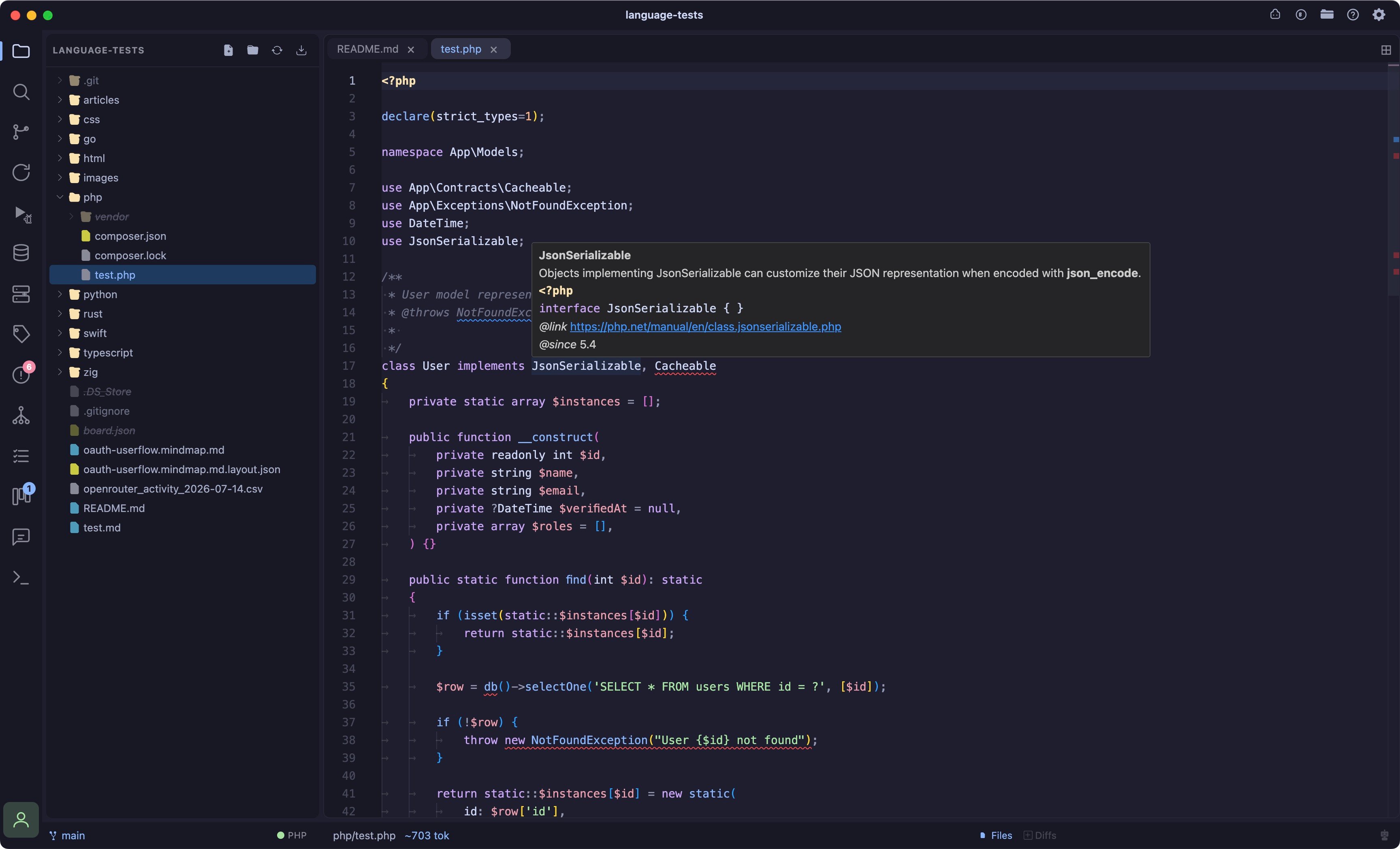
Go
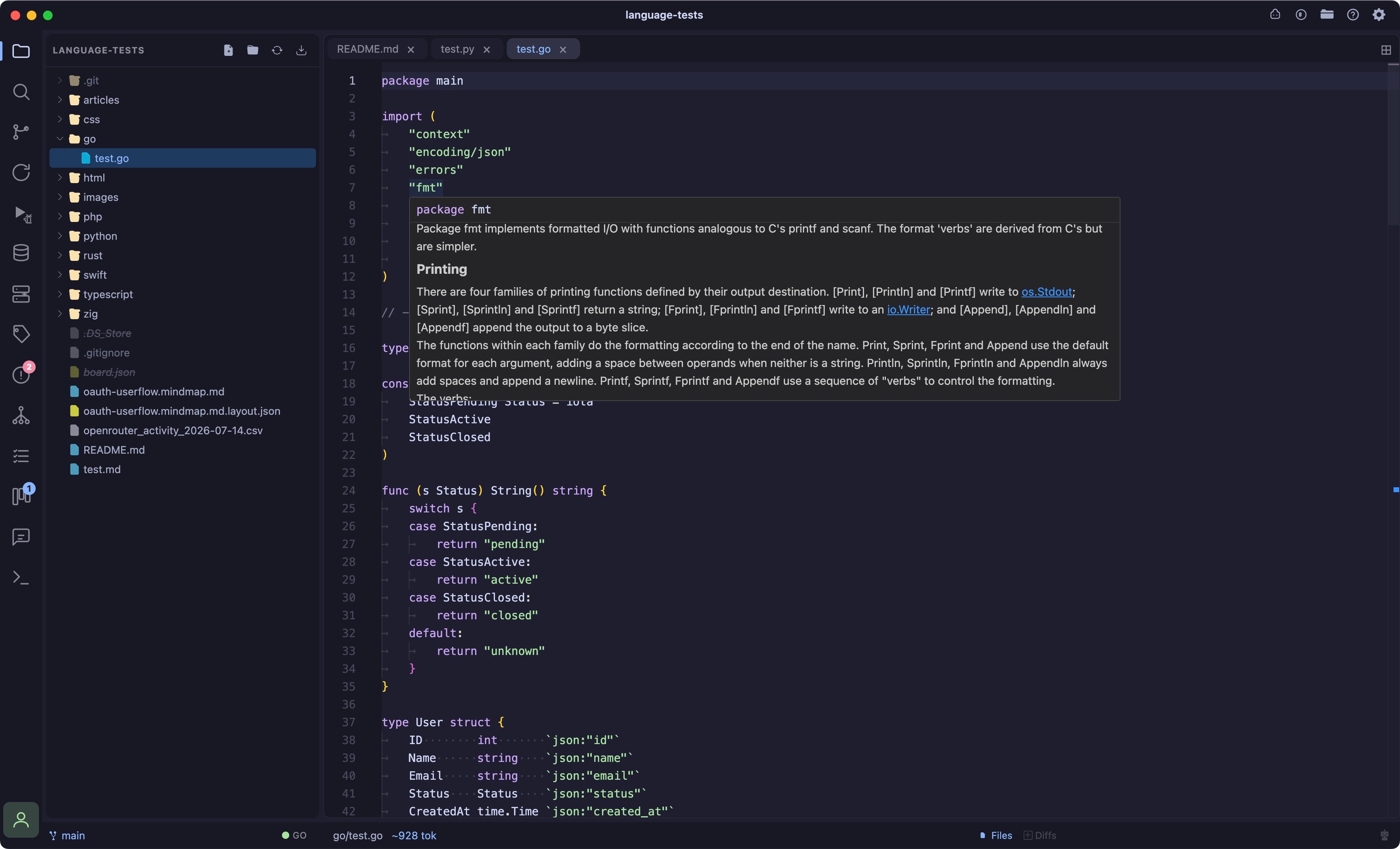
Rust
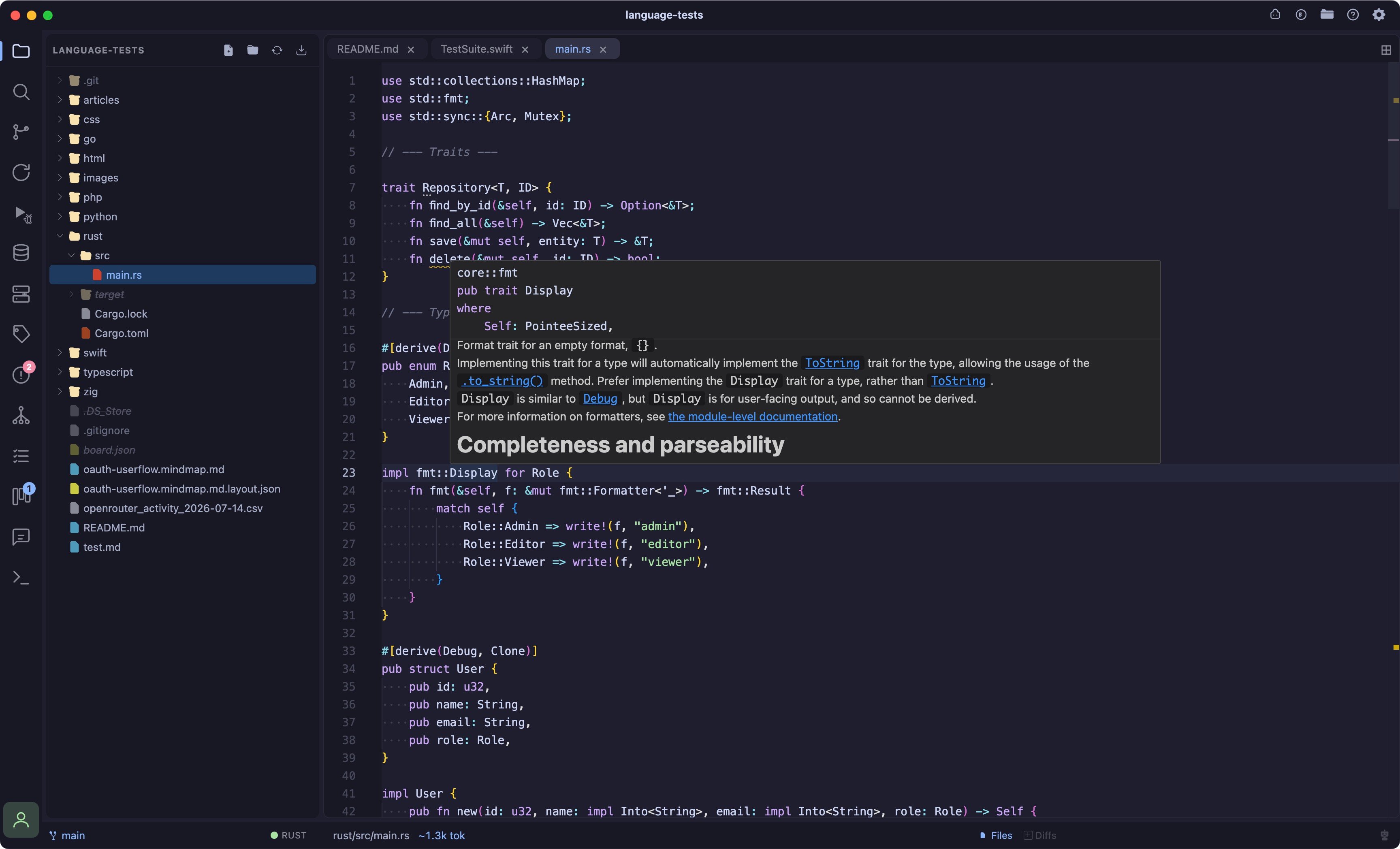
TypeScript
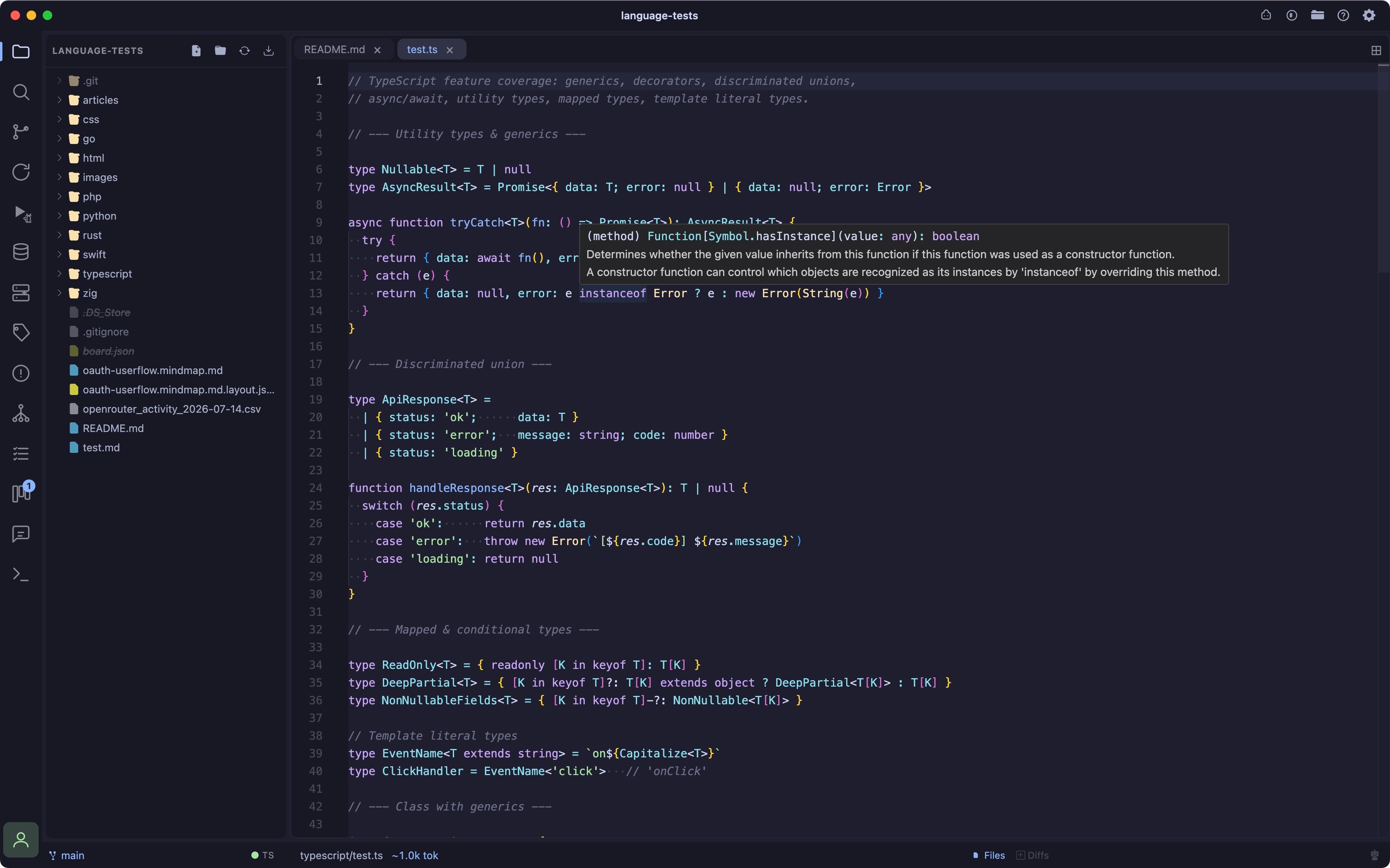
Zig
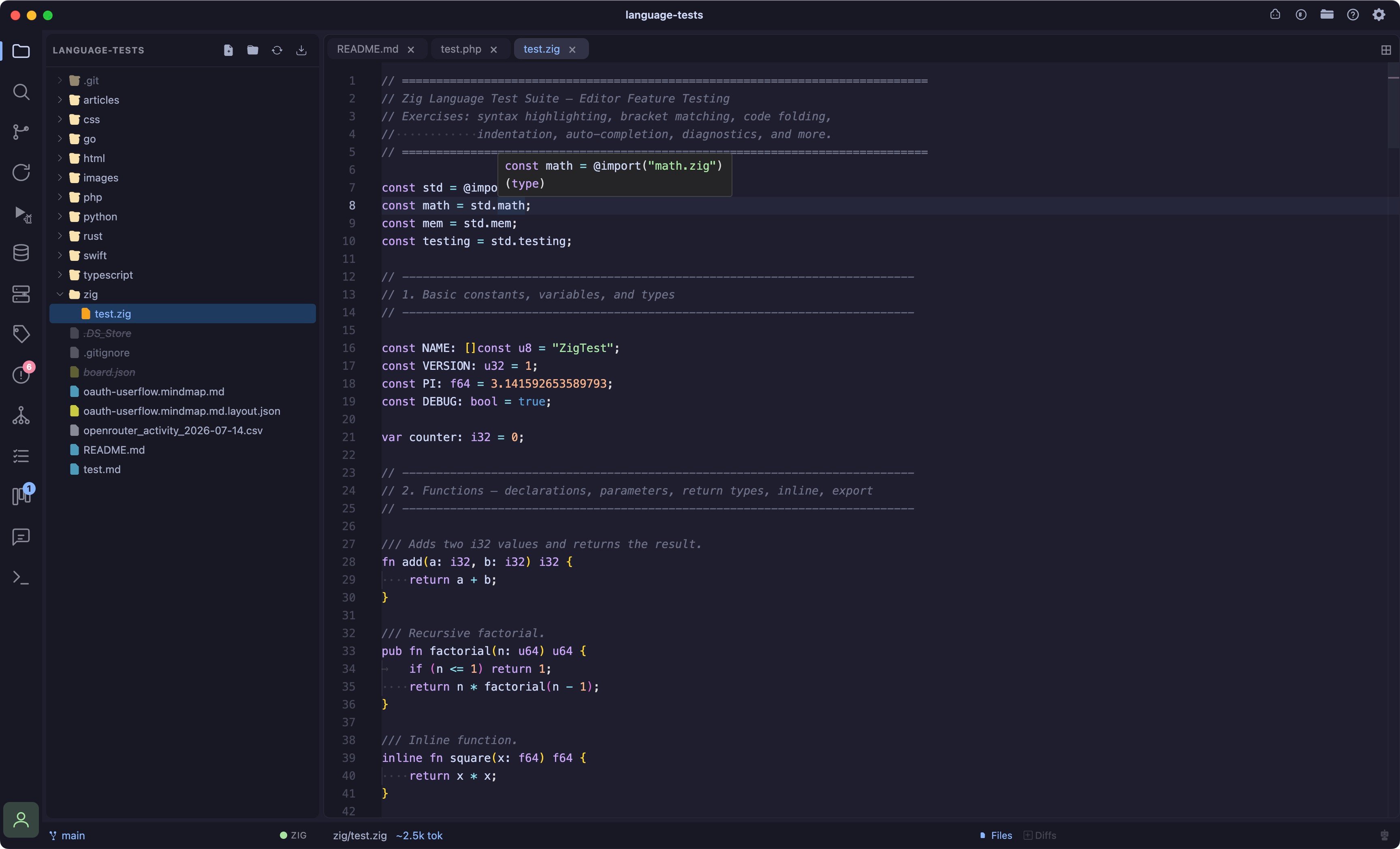
Swift
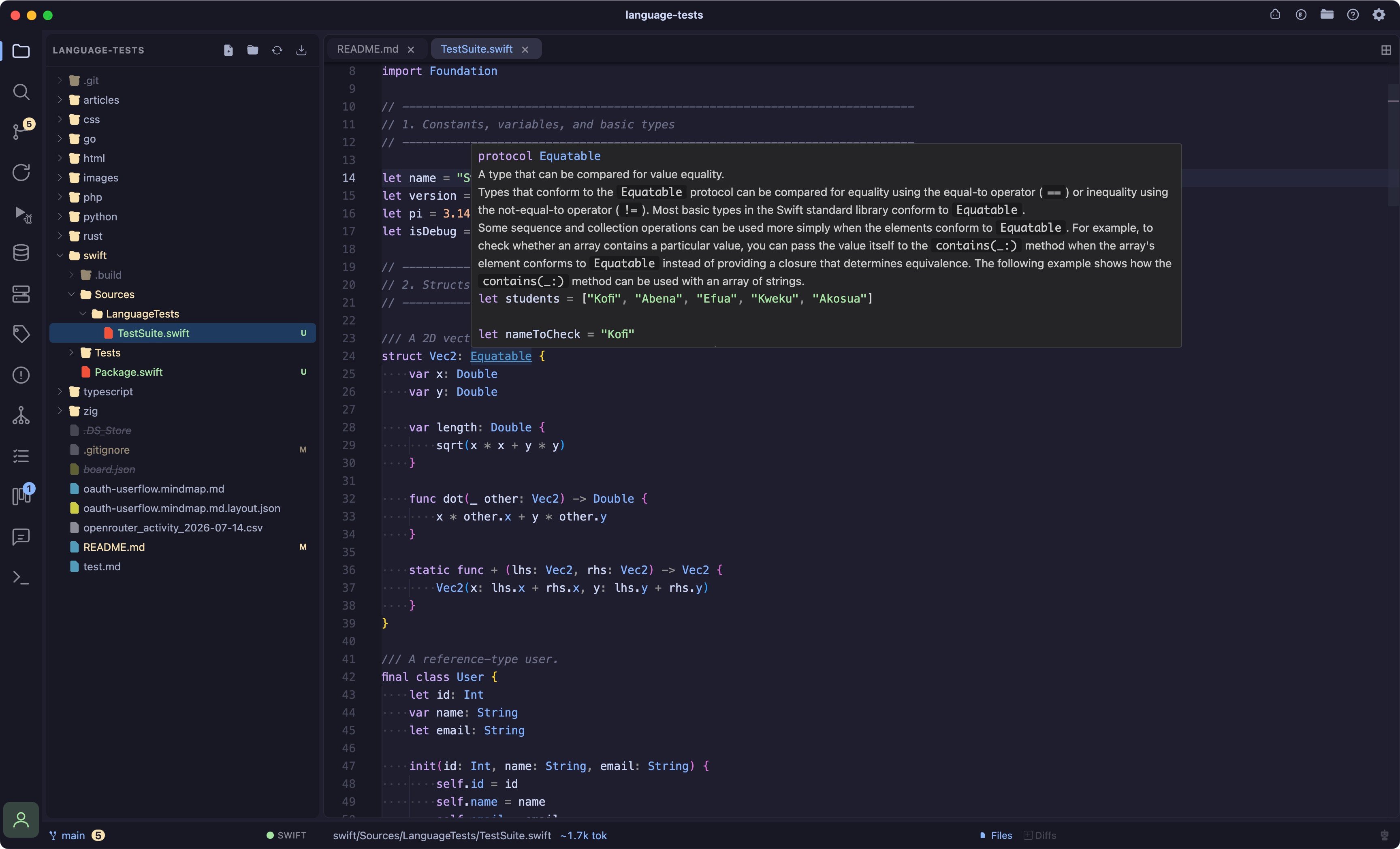
Mixed with Problems